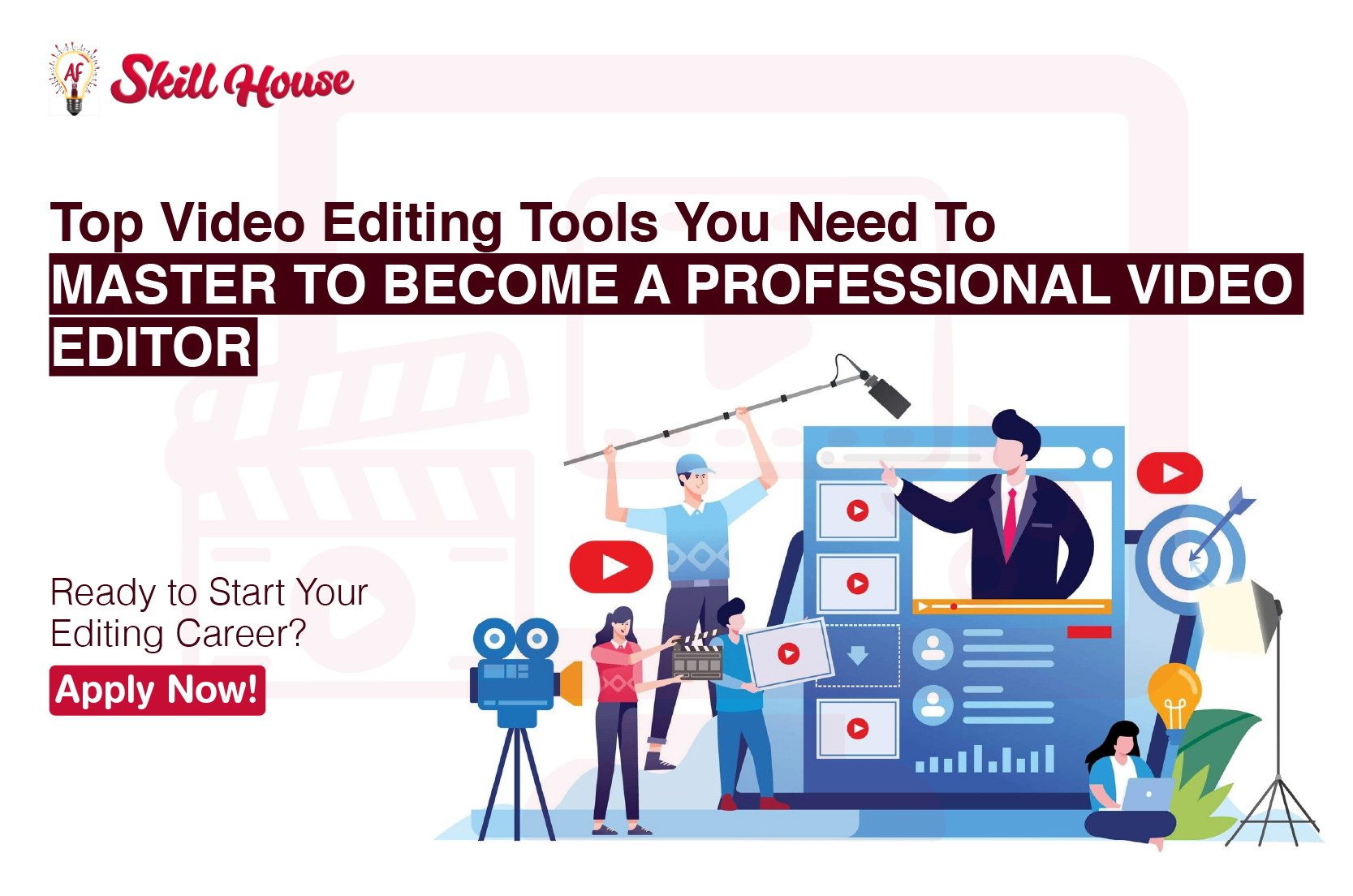
The Top Video Editing Tools You Need to Master to Become a Professional Video Editor
If you want to become a professional video editor, learning the right tools is a must. The right tools help you create content that stands out and engages your audience. You’ll want to tell stories with your videos, not just cut footage. Whether you’re editing for YouTube, social media, or films, the right tools matter most.
With so many choices, where do you begin? Let’s dive into the top video editing tools every aspiring editor should master to jumpstart their career.
1. Adobe Premiere Pro – The Industry Standard
If you’re diving into the world of video editing, there’s a good chance you’ve heard of Adobe Premiere Pro. It’s the industry-standard software used by professional editors in almost every sector—whether you’re working on YouTube videos, social media content, or film production.
- Why It’s Essential: Premiere Pro is known for its versatility. It’s perfect for multi-camera editing, color correction, audio mixing, and motion graphics. Whether you’re editing a quick Instagram video or a full-length documentary, it has all the features you need to get the job done.
- Pro Tip: Spend time mastering multi-cam editing and color grading in Premiere Pro. These skills will take your editing to the next level and make your projects look polished and professional.
Real Example: Top YouTubers, indie filmmakers, and content creators swear by Premiere Pro for its flexibility and ease of use. It’s also included in many video editing courses with certification, like the one we offer at AF Skill House.
2. Final Cut Pro – The Mac Editor’s Dream
If you’re editing on a Mac, you’re probably already familiar with Final Cut Pro—and if not, it’s time to get acquainted! Known for its speed, intuitiveness, and powerful features, it’s one of the best choices for professional video editors working on a MacBook or iMac.
- Why It’s Popular: Final Cut Pro integrates seamlessly with Apple products and offers a smooth editing workflow, making it ideal for freelancers, indie filmmakers, and YouTube creators. It’s especially helpful for fast-paced projects where efficiency matters.
- Pro Tip: Learn to use the magnetic timeline feature for more efficient editing and mastering color grading for cinematic results.
3. DaVinci Resolve – The Best for Color Grading
DaVinci Resolve is the tool you need if you’re serious about color grading and visual effects. It’s known for its Hollywood-grade color grading tools and fusion visual effects, which make it a must-have for anyone working on feature films or high-end content.
- Why It’s a Game-Changer: If you want to specialize in color grading or visual effects, DaVinci Resolve is the way to go. Its powerful tools allow you to manipulate colors and add effects to make your videos look like they were edited by a pro.
- Pro Tip: Spend extra time learning DaVinci’s color panel. It’s an essential skill for anyone planning to work on cinematic edits or in high-budget editing environments.
4. Adobe After Effects – Add Some Visual Magic
Want to bring a wow factor to your videos? Adobe After Effects is where the magic happens. This tool is essential for motion graphics and visual effects, helping you create stunning titles, animations, and special effects that make your videos truly unforgettable.
- Why You Need It: After Effects lets you take your video editing skills to the next level by adding animated titles, text effects, and special effects like explosions, fire, and lightning.
- Pro Tip: Focus on learning keyframe animations and motion graphics templates—these will make your editing process quicker and your videos more dynamic.
Real Example: After Effects is used by film studios and YouTubers alike to add visual effects and animations that turn good videos into viral hits.
5. Avid Media Composer – For the Big Leagues
When it comes to editing in large-scale environments like Hollywood or television studios, Avid Media Composer is the tool that the pros rely on. Avid is designed for multi-user workflows and collaborative editing, making it the go-to choice for high-end production.
- Why It’s a Top Choice: Avid allows multiple editors to work on the same project simultaneously, making it perfect for big productions where time is critical and teams need to collaborate.
- Pro Tip: If you want to work on major studio projects or live broadcast editing, learning Avid Media Composer is a must.
6. Other Tools to Consider
While Premiere Pro, Final Cut Pro, and DaVinci Resolve are the heavyweights, there are also other tools that are worth exploring:
- Camtasia: Perfect for screen recording and basic video edits.
- HitFilm Express: A free tool that combines video editing and visual effects.
- Lightworks: An advanced free tool great for those just starting their editing journey.
Why Master These Tools at AF Skill House?
If you’re looking to learn how to master these essential tools and start your career as a professional video editor, AF Skill House is the top video editing institute in Indore. We offer a video editing course in Indore that provides:
- Hands-on projects to gain practical experience.
- Expert instructors who guide you through these industry-standard tools.
- Certification that boosts your credibility in the competitive job market.
At AF Skill House, we don’t just teach video editing—we help you build a career.
Ready to Take the First Step?
If you’re ready to learn from the best and master the tools that make professional video editors stand out, apply now and start your journey with AF Skill House today!
tag:
Share:

Mahek Doltani